
 BEST WOOCOMMERCE B2B PLUGIN
Turn Your Store Into a Complete WooCommerce B2B Sales System
The all-in-one WooCommerce B2B Plugin for wholesale pricing, role based pricing visibility for WooCommerce, quote requests, bulk price updates, and distributor workflows – built as a complete B2B WordPress solution.

 Buy Now
 Quick Product Overview
 Secure Checkout by Freemius
 30-Day Money Back Guarantee
Secure Product
Powered by Trusted Code

5-Star Rated
Rated 4.8/5 by customers

Instant Download
Get started right away

Automatic Updates
Always the latest version

Premium Support
We're here to help
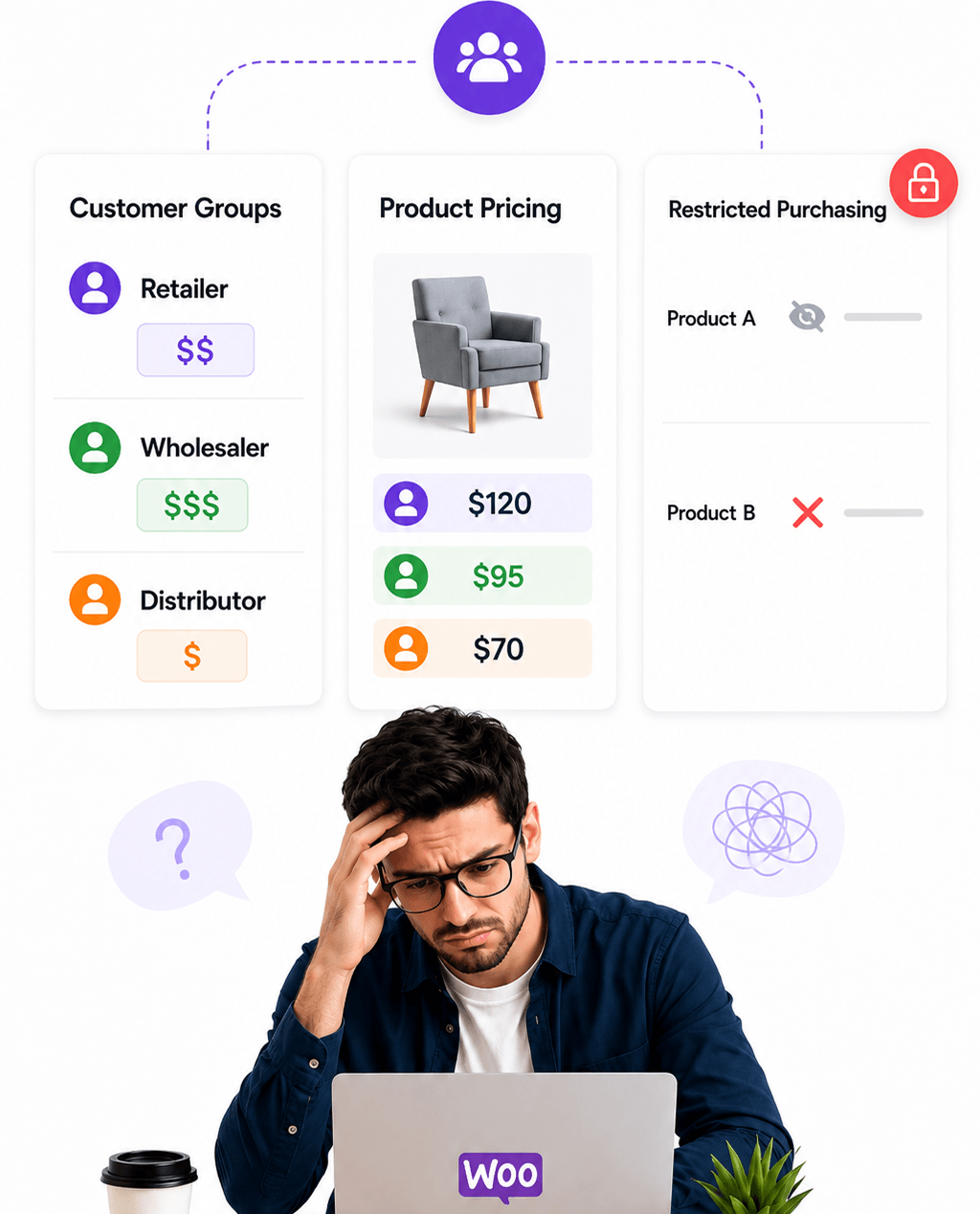
The Problem Running B2B WooCommerce is not simple.
Without a dedicated WooCommerce wholesale plugin, you end up dealing with:
- Different WooCommerce wholesale pricing for different customers
- No easy role-based pricing visibility for guests vs wholesale buyers
- No built-in wholesale order form or quote request workflow
- Manual product price management without a WooCommerce Bulk Price Manager
- No proper visibility control for wholesale and distributor customers
- Multiple plugins and disconnected B2B WooCommerce workflows
That leads to:
- Operational complexity across your WooCommerce business to business store
- Inconsistent customer experience for wholesale and B2B buyers
- Time-consuming pricing management
- Limited control over who can buy, request quotes, and view pricing
The Solution One B2B WooCommerce Plugin that solves this in a single system.
Instead of stacking separate tools, TW WooCommerce B2B Toolkit gives you:
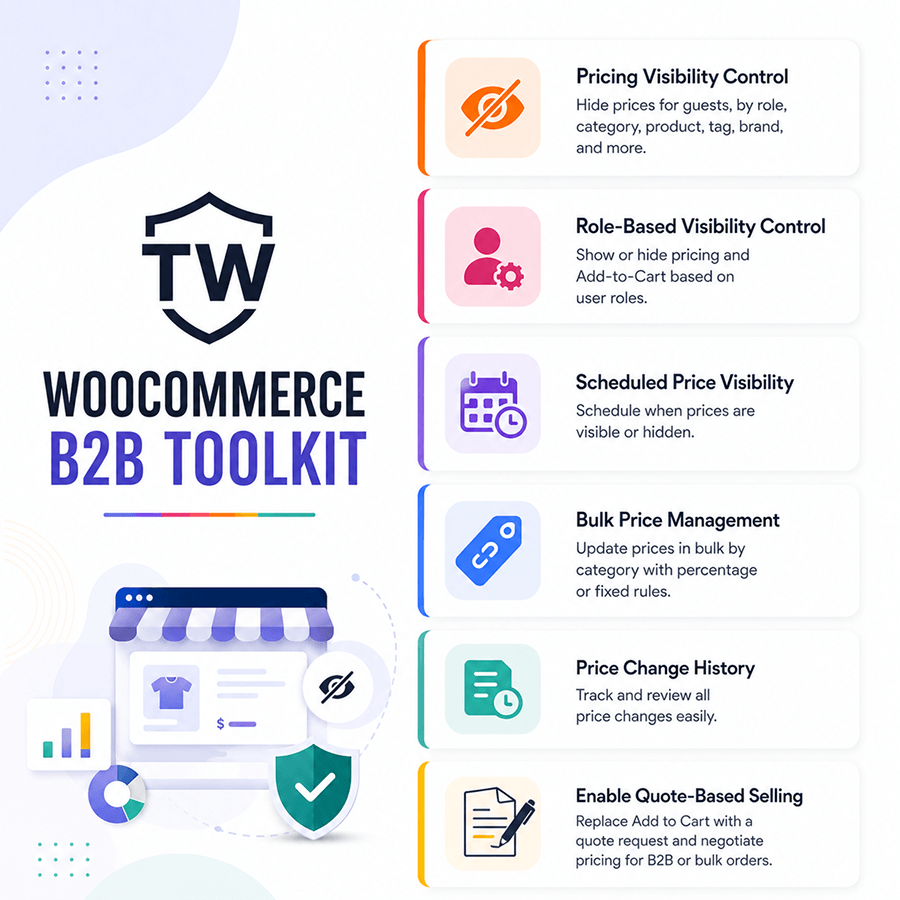
- WooCommerce Role-Based Pricing Visibility
- Request a Quote and wholesale order form workflows
- Built-in WooCommerce Bulk Price Manager
- Scheduled visibility controls
- Role-based access for wholesale and distributor buyers
- Custom messaging system
- Centralized WooCommerce B2B and wholesale pricing management
All working together as a complete wholesale plugin for WooCommerce — designed for B2B, distributor, and catalog-style stores.
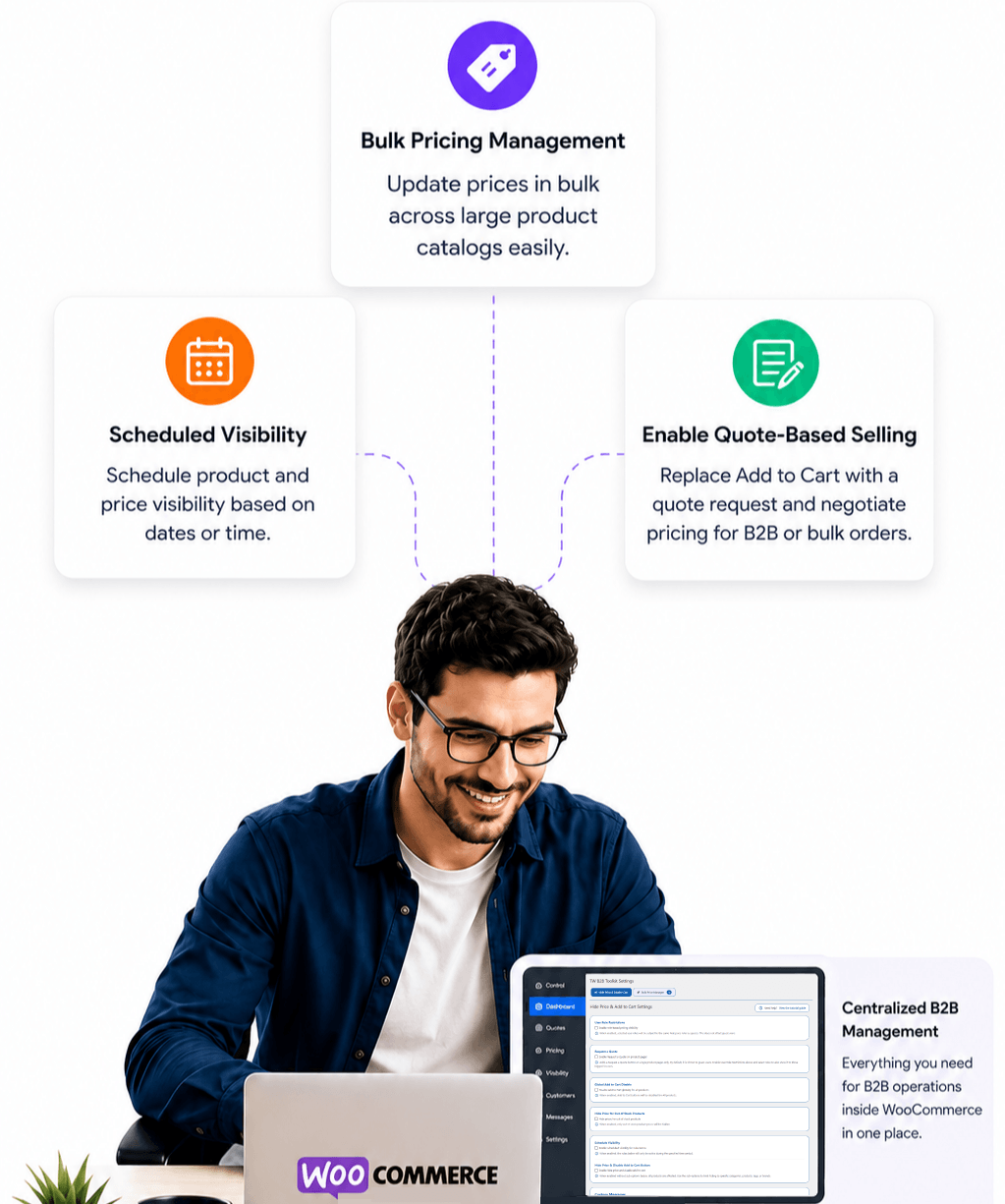
Core Capabilities
Role Based Pricing Visibility for WooCommerce
- Hide prices for guests
- Restrict Add to Cart functionality
- Hide prices by category, product, tag, and brand
- Hide prices for out-of-stock products
- Disable Add-to-Cart globally
- Scheduled price visibility
- WooCommerce Role-Based Pricing Visibility by user role
- Advanced custom message rules
WooCommerce Wholesale Pricing & Bulk Price Manager
- WooCommerce Bulk Price Manager for large catalogs
- Price changes by category
- WooCommerce wholesale pricing rules (percentage / fixed)
Operations and Safety
- Price change history
B2B WooCommerce Workflow
- Inquiry Button Instead of Cart
- Request a Quote Integration
- Wholesale order form style quote workflows
Why This Plugin Most WooCommerce B2B setups are fragmented.
This wholesale plugin for WooCommerce is different.
- A centralized B2B WordPress solution for wholesale workflows
- Built as a WooCommerce wholesale plugin and WooCommerce distributor plugin in one
- Includes role based pricing visibility, quote requests, and a WooCommerce Bulk Price Manager
- Simplifies WooCommerce wholesale pricing, quoting, and purchasing
- Designed to reduce operational complexity for business to business stores
Simple. Practical. Built to be the best WooCommerce B2B Plugin for growing stores.
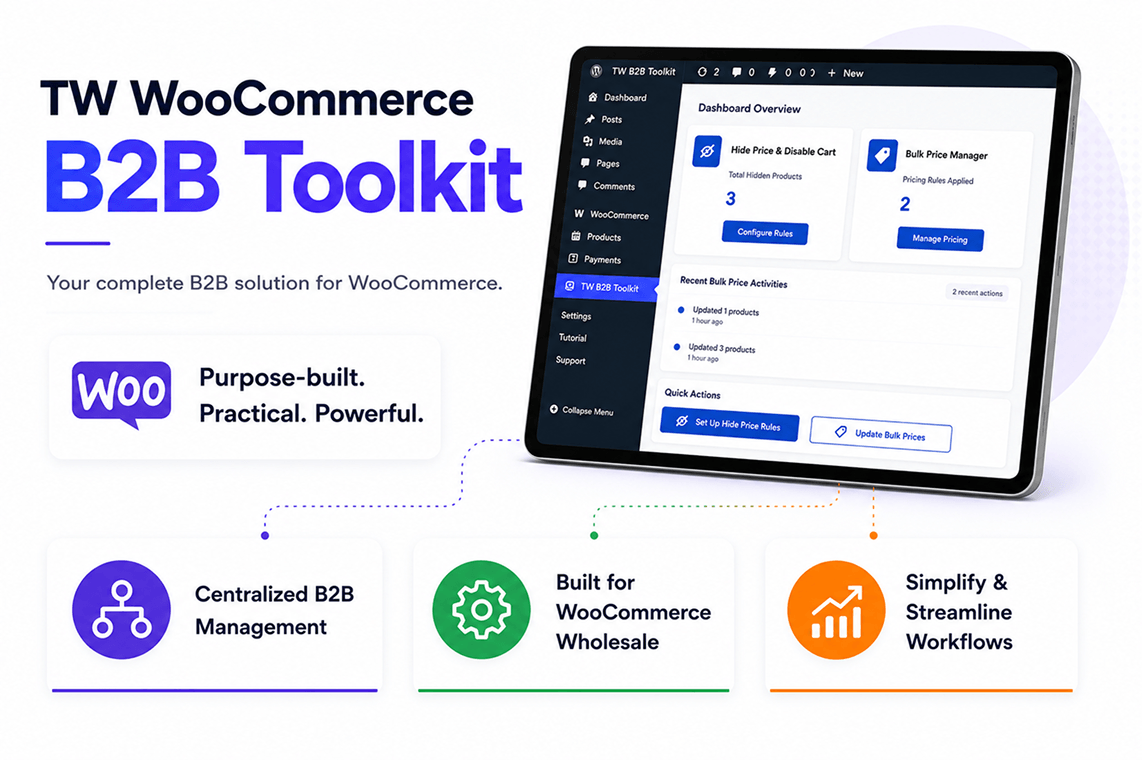
Start Free → Upgrade When Ready Start with Free Plugins, Upgrade When You Need More


Upgrade to TW WooCommerce B2B Toolkit — the complete B2B WooCommerce Plugin for advanced wholesale pricing, quote workflows, distributor controls, and order rules.
Free vs Premium
| Feature | Hide Price Plugin (Free) | Bulk Price Plugin (Free) | B2B Toolkit Plugin (Premium) |
|---|---|---|---|
| Visibility & Access Control | |||
| Hide prices for guests | ✓ | ❌ | ✓ |
| Restrict Add to Cart for guests | ✓ | ❌ | ✓ |
| Hide prices by category/product | ✓ | ❌ | ✓ |
| Hide prices by category/product/tag/brand | ❌ | ❌ | ✓ |
| Hide price for out-of-stock products | ❌ | ❌ | ✓ |
| Disable Add-to-Cart globally | ❌ | ❌ | ✓ |
| Scheduled price visibility | ❌ | ❌ | ✓ |
| Role-based visibility | ❌ | ❌ | ✓ |
| Basic custom message rules | ✓ | ❌ | ✓ |
| Advanced custom message rules | ❌ | ❌ | ✓ |
| Pricing & Discounts | |||
| Bulk price management | ❌ | ✓ | ✓ |
| Price changes by category | ❌ | ✓ | ✓ |
| Pricing rules (percentage / fixed) | ❌ | ✓ | ✓ |
| Operations & Safety | |||
| Price change history | ❌ | ✓ | ✓ |
| B2B Workflow | |||
| Inquiry Button Instead of Cart | ❌ | ❌ | ✓ |
| Request a Quote Integration | ❌ | ❌ | ✓ |
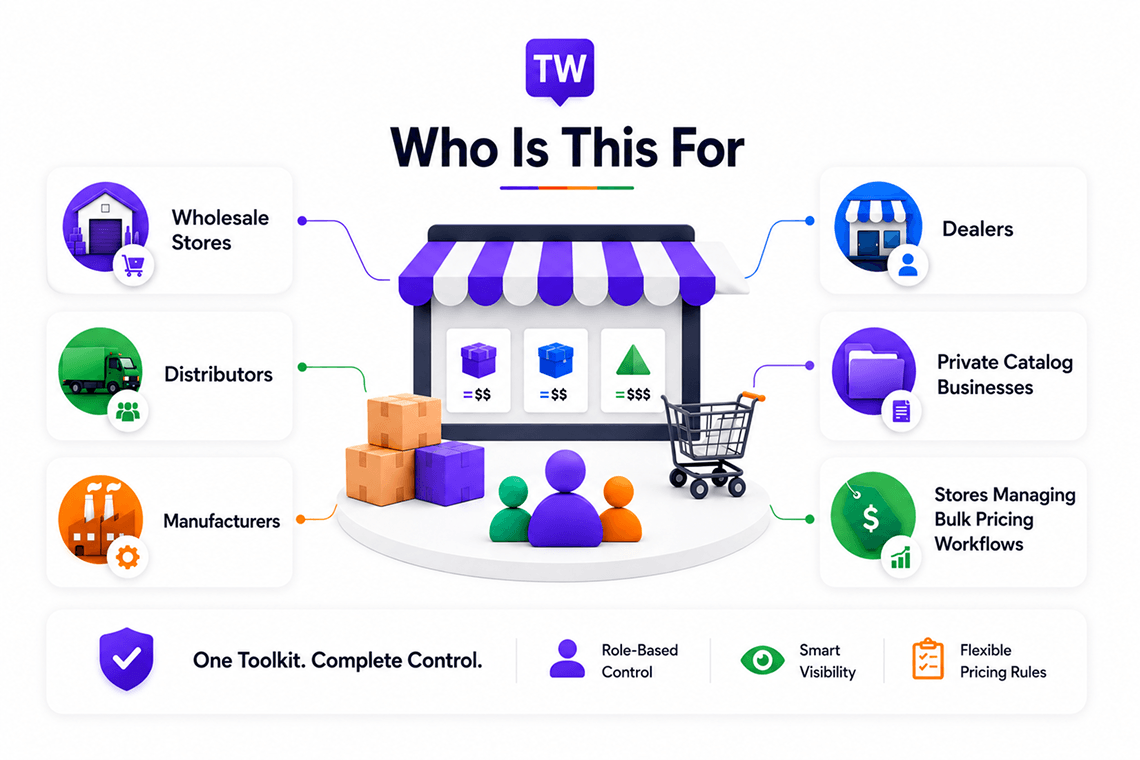
Who Is This For
- B2B WooCommerce and WooCommerce business to business stores
- Stores needing a WooCommerce wholesale plugin
- Catalog mode WooCommerce websites
- Stores that need a WooCommerce distributor plugin
- Private pricing and role based pricing visibility stores
- Quote-based B2B WordPress solution setups
- Wholesale inquiry and wholesale order form stores
- Custom WooCommerce wholesale pricing catalogs
- Made-to-order products
- High-value products requiring manual quotations
Better Features, Fairer Pricing
Most stores pay $150–$300+ per year for separate tools to handle WooCommerce Role-Based Pricing Visibility, quote requests, a WooCommerce Bulk Price Manager, and B2B WooCommerce workflows. TW WooCommerce B2B Toolkit is the best WooCommerce B2B Plugin alternative that brings these essentials together for just $79.99/year$40.00/year.
| Feature | Typical B2B Plugins | TW WooCommerce B2B Toolkit |
|---|---|---|
| Hide prices for Guests | ✓ | ✓ |
| Role-Based Visibility | ✓ | ✓ |
| Request a Quote Integration | Separate Plugin | ✓ |
| Inquiry Button Instead of Cart | Rare | ✓ |
| Bulk Price Updates | Often Add-on | ✓ |
| Catalog Mode | Separate Plugin | ✓ |
| Scheduled Visibility | Rare | ✓ |
| Disable Add to Cart | Sometimes | ✓ |
| Custom Messaging | Limited | ✓ |
| Recent Bulk Changes | Rare | ✓ |
| Annual Cost | $150–$300+/year | $79.99/year $40.00/year |
Take Full Control of Your WooCommerce B2B Store
Stop patching together multiple plugins. Start with a complete WooCommerce B2B Plugin built for wholesale, distributors, and business to business selling.



Personal
Best for single store owners needing simple WooCommerce B2B Plugin control

Limited-time launch offer: Use coupon code LAUNCH50 for 50% OFF.

Business
Scale your business with multi-store and powerful B2B tools
Limited-time launch offer: Use coupon code LAUNCH50 for 50% OFF.

Agency
Built for agencies and devs, control unlimited WooCommerce sites

Limited-time launch offer: Use coupon code LAUNCH50 for 50% OFF.

NOTE: All plans include the same core B2B features.
The primary difference between the plans is the number of websites (license activations) covered, allowing you to choose the option that best fits your needs.

30-day money-back guarantee:
Try any plan risk free. If it's not the right fit, get a full refund within 30 days, no questions asked.
SummaryThe complete WooCommerce B2B Plugin combines:
- Hide Price & Disable Add to Cart controls
- Request a Quote and wholesale order form workflows
- Scheduled visibility restrictions
- Role Based Pricing Visibility for WooCommerce
- WooCommerce Bulk Price Manager tools
- WooCommerce wholesale pricing updates (percentage / fixed)
- Custom messaging system
- Out-of-stock visibility control
- Global Add to Cart control
- Basic bulk pricing history tracking
All-in-one B2B WooCommerce and wholesale plugin for WooCommerce — a practical B2B WordPress solution for wholesale, distributor, catalog-style, and quote-based stores.
Get Up and Running in Minutes
Follow our video tutorials or download the PDF guide to learn how to manage role based pricing visibility for WooCommerce, WooCommerce wholesale pricing, bulk price updates, customer roles, and B2B WooCommerce purchasing workflows.
Frequently Asked Questions
Yes. The plugin supports both simple and variable WooCommerce products.
Yes. The User Role Restrictions feature allows you to apply visibility, purchasing, and quote request restrictions to selected logged-in WooCommerce user roles.
Yes. Enable the Request a Quote feature to display a quote button on single product pages. Customers can submit quote requests instead of placing an order.
Yes. Enable Out-of-Stock Visibility Control to automatically hide prices and disable Add to Cart buttons for out-of-stock products.
Yes. The Global Add to Cart Disable feature allows you to disable all Add to Cart buttons across your WooCommerce store.
Yes. Configure start and end dates and times to automatically activate and deactivate the Hide Price & Disable Add to Cart feature. Scheduling also applies to Category, Product, Tag, and Brand based restrictions.
If no visibility rules are configured, product prices remain visible and Add to Cart buttons function normally for all users.
In most cases, yes. Compatibility depends on how closely the theme follows standard WooCommerce templates and hooks.
Yes. TW WooCommerce B2B Toolkit is a wholesale plugin for WooCommerce and a WooCommerce distributor plugin in one. It supports WooCommerce wholesale pricing, role based pricing visibility for WooCommerce, quote-based wholesale order form workflows, and full B2B WooCommerce controls.
Yes. As an all-in-one WooCommerce B2B Plugin and B2B WordPress solution, it combines WooCommerce Role-Based Pricing Visibility, a WooCommerce Bulk Price Manager, Request a Quote, and wholesale workflow tools so you do not need separate plugins for each task.